Evaluating the Distinctions: BIM vs CAD vs VDC

In the architecture, engineering, and construction (AEC) industry, the terms BIM, CAD, and VDC are often used interchangeably. While all three involve digital models and contribute to project delivery, they work at distinct levels, from basic design representation to integrated project management strategies.

Knowing these differences is vital for professionals wanting to optimize project outcomes and meet modern regulatory standards, such as Singapore’s CORENET X digital submission guidelines. Understanding where each methodology sits in the project lifecycle also helps teams apply the right tools at the right stage and remain compliant with the requirements that Singapore’s built environment now demands. 

3D CAD: The Foundation of Digital Design and Documentation

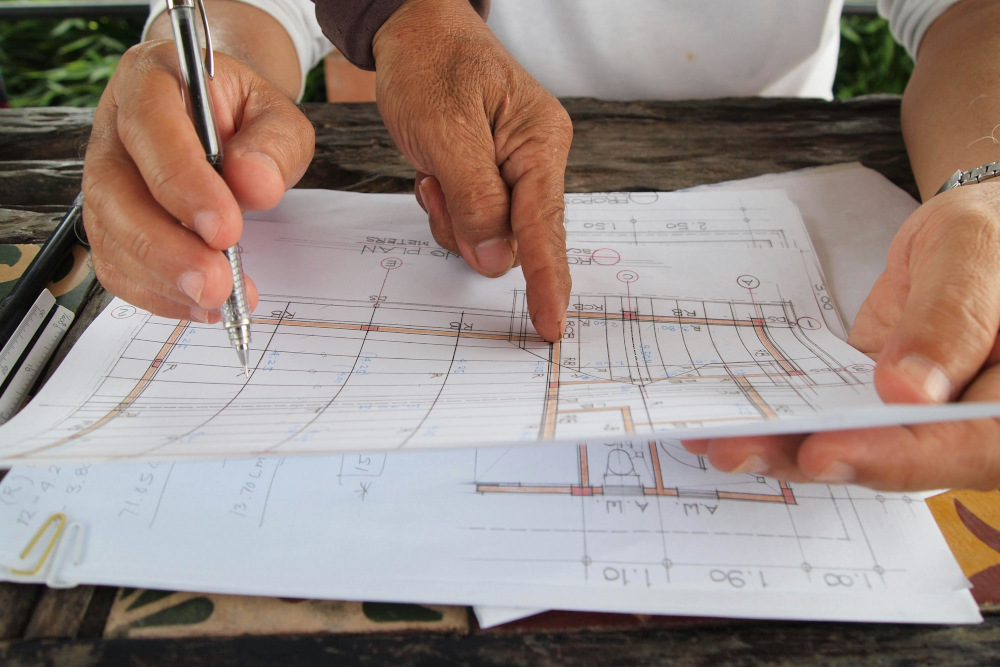
Computer-Aided Design (CAD) is the first and most established digital design technology. It replaced traditional paper-and-pencil drafting. CAD allows professionals to create precise digital representations of physical objects through 2D drawings and 3D models. For decades, it has been the backbone of design workflows, especially in manufacturing industries, like consumer electronics and complex machinery, where accuracy is critical.

In construction, 3D CAD serves as a design and documentation tool. It excels at representing geometry, dimensions, and spatial relationships, making it ideal for drafting floor plans, elevations, and technical schematics. However, its capabilities are limited to visual and geometric data.

Unlike BIM, CAD does not contain embedded information about materials, performance, or lifecycle attributes. This limitation is one of the key differences between 3D CAD and BIM. CAD shows what something looks like, but it does not show what it really is.

In Singapore, CAD has transitioned from the main submission format to a supporting tool, used for detailed technical drawings rather than integrated digital submissions. CORENET X requires regulatory submissions in IFC+SG-formatted 3D models, a standard that 2D CAD was never designed to meet.

Building Information Modeling (BIM): The Data-Rich Collaborative Workflow

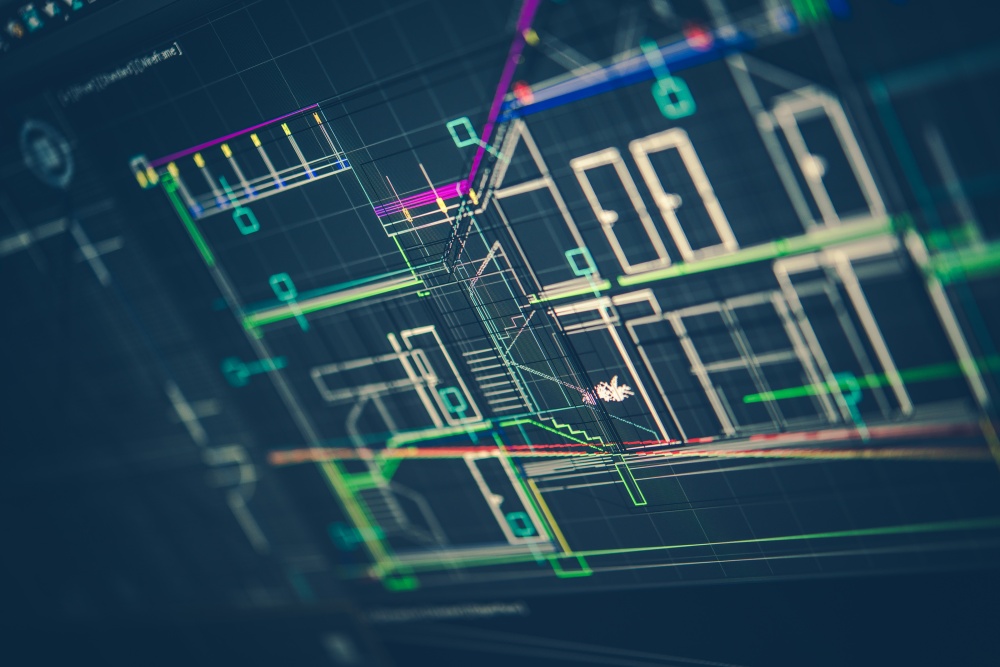
Building Information Modeling is a significant step up from traditional CAD. Instead of just being a tool, BIM is a process that enables professionals to collaborate using intelligent digital models. These models do more than represent shapes; they also include important embedded data, such as materials, fire safety ratings, structural properties, and cost information.

That is the core distinction between BIM and CAD: BIM introduces information into the model.

BIM lets every stakeholder involved (architects, engineers, contractors, and clients) work together from the same set of information. This keeps the work consistent, reduces errors, and makes multidisciplinary coordination far more manageable.

Key functional benefits of BIM include:

  • Clash Detection: BIM helps teams identify conflicts between different building systems before construction begins. Structural versus MEP clashes, for example, can be resolved in the model rather than on-site, where corrections are far more costly.
  • Parametric Intelligence: BIM objects are “smart.” If something changes, like wall thickness or material, those updates automatically propagate across all linked drawings and schedules.
  • Lifecycle Utility: Unlike CAD, BIM models remain useful after construction. They serve as a digital reference for facility management, planning repairs, and future alterations.

When comparing 3D CAD and BIM, it is useful to view CAD as a digital drafting tool and BIM as the data-driven workflow that improves collaboration and decision-making throughout the project lifecycle.

For teams looking to operate at this level, structured BIM training is necessary to ensure that staff can handle the data requirements of modern regulatory compliance, including CORENET X submissions in IFC+SG format.

Virtual Design & Construction (VDC): The Integrated Management Strategy

Virtual Design & Construction (VDC) is the most sophisticated of the three methodologies. While BIM focuses on creating intelligent models, VDC operates at a higher level, coordinating people, processes, and technology across the entire project lifecycle, with BIM-generated data as its primary input.

This leads to a key clarification in the BIM vs VDC discussion:

  • BIM is a Component of VDC: BIM provides the data-rich models that VDC relies on.
  • VDC Extends Beyond BIM: It includes scheduling (4D), cost estimation (5D), resource planning, and performance metrics.
  • VDC is Strategy-Driven: It focuses on how teams work together, make decisions, and complete projects efficiently, not just on building models.

In simpler terms, regarding the VDC BIM meaning, if BIM answers “what does the building contain?”, VDC answers “how do we deliver this project optimally?”

In practice, tools like Fuzor VDC are often used within VDC workflows to enhance visualization, simulation, and construction sequencing. Given its complexity, successful implementation often requires structured VDC training to align teams on processes, coordination strategies, and performance measurement.

Industry Scopes: Determining Which Methodology Fits Your Project

Industry Scopes: Determining Which Methodology Fits Your Project

Each method has its own role in the AEC industry, and knowing where they fit is key to choosing the right approach.

  • 3D CAD: Best suited for industries that need highly precise design and engineering, such as manufacturing and product development. In construction, it is still useful for making detailed drawings and technical documents.
  • BIM: BIM is now the standard for commercial building projects, like schools, offices, hospitals, and transport systems. BIM helps coordination across disciplines, supports regulatory compliance, and integrates seamlessly with cloud platforms often delivered via an Autodesk Cloud Solution reseller.
  • VDC: Designed for large, complex projects that require careful planning and multidisciplinary coordination. It brings together digital tools (like CAD and BIM) with project management methods to help people communicate, reduce risks, and make the project run smoothly.

These methods do not compete with each other; they work together. CAD provides basic shapes, BIM adds collaboration and data, and VDC brings it all together with a single plan for managing the project.

By partnering with experts who truly understand the meaning of BIM and VDC, and its impact on the project lifecycle, your firm can ensure every build is efficient, compliant, and future-ready. Navigate the complexities of modern construction with BIMAGE Consulting today.
Understanding the Fundamental Difference Between BIM and Revit

Across Singapore’s built environment, Building Information Modeling (BIM) and Revit are still used interchangeably by many practitioners.

They shouldn’t be.

While both contribute to coordinated, data-rich 3D building design, they operate at fundamentally different levels. One is a methodology that governs how information is created, managed, and shared across an entire project lifecycle. The other is software used to implement that methodology.

The distinction has always mattered, but the stakes are higher with the implementation of CORENET X. Singapore’s integrated regulatory submission platform now requires BIM-formatted 3D models in IFC+SG format. A team that treats BIM only as software will likely configure Revit for visualisation. Conversely, a team that treats BIM as a process will configure Revit to produce regulatory-grade, data-enriched models that pass the CORENET X Automated Model Checker. Only the latter approach ensures compliance.

Breaking Down the Terminology

Both terms are conflated in part because Revit is so dominant in Singapore’s AEC sector that the workflow and methodology can feel inseparable. But as mentioned, they aren’t.

The Big Picture: What is Building Information Modeling?

BIM is a process and a methodology for managing building information across an asset’s entire lifecycle. In Automation in Construction, it is defined as a data-driven methodology that bridges the gap between technology and policy. It provides a standardized digital environment to oversee a project’s critical information, transforming how building data is managed and utilized throughout its entire life cycle.

The process is not defined by a single file or programme. It spans design, construction, and facilities management, underpinned by a shared knowledge resource that all project stakeholders can access and contribute to throughout the asset’s life.

  • International Standards: ISO 19650 provides the global framework for information management, ensuring the right data is delivered in the right form at the right stage.
  • Singapore Standards: The BCA aligns with these principles through the BIM Essential Guide and CORENET X requirements, which demand that information be structured and coordinated to support automated regulatory review.

The Digital Engine: What is Autodesk Revit?

Autodesk Revit, on the other hand, is a software application built specifically to support the BIM process. It covers the three core disciplines of the AEC industry: architectural design, MEP (Mechanical, Electrical, and Plumbing) engineering, and structural engineering.

Unlike 2D CAD, which represents a wall as a simple line, Revit treats it as a parametric object. This object carries embedded metadata, including:

  • Material composition and thickness
  • Fire rating and acoustic properties
  • Cost parameters and more

This structured data is what makes a Revit model genuinely “BIM-capable” rather than just a visual 3D representation.

What is the Difference Between BIM and Revit? Distinctions Between the Methodology and the Tool

Think of BIM as the game plan and Revit as one tool for executing it. In practical terms, the key differences are:

FeatureBuilding Information ModelingAutodesk Revit
CategoryHolistic process and industry standardBIM authoring software application
ObjectiveCoordinated information managementProduction of data-rich 3D models
ScopeCovers the entire building lifecycleFocuses on design and documentation
FlexibilityTechnology-agnostic (uses various tools)One of several platforms (e.g., ArchiCAD, Tekla)

Succar, B. (2009). Building information modelling framework: A research and delivery foundation for industry stakeholders. Automation in Construction. https://www.sciencedirect.com/science/article/abs/pii/S0926580508001568

AutoCAD’s role in this picture has narrowed considerably. Because 2D drawings cannot carry the structured, object-based metadata required for automated model checking, AutoCAD is insufficient for CORENET X submissions. As regulatory agencies transition to IFC-SG 3D models, 2D drafting is no longer a viable substitute for compliant project delivery.

The Synergistic Relationship Between the Process and the Platform

The Synergistic Relationship Between the Process and the Platform

Understanding the distinction is one thing. Seeing how BIM and Revit work together in practice is where that understanding becomes productive. Configured correctly, Revit is not just BIM-compatible software; it becomes the primary environment in which BIM principles are translated into tangible project deliverables.

Implementing the BIM Framework via Revit

Revit utilises parametric objects as virtual equivalents of real building components. This database-driven approach ensures that a change made to a wall section is automatically propagated across all schedules, plans, and elevations. This eliminates the version-control errors inherent in 2D workflows and maintains model coherence across complex, multidisciplinary changes.

Boosting Team Synergy and Collaboration

Revit’s shared model environment enables multidisciplinary teams to work on the same project concurrently, reducing conflicts among architectural, structural, and MEP design elements.

For Singapore-based projects, this collaboration is validated at the point of IFC-SG export. Revit must be configured with specific IFC-SG Export Translators to ensure the model carries the mandatory property sets required by agencies such as URA, NEA, PUB, LTA, and BCA.

Beyond basic compliance, a data-rich Revit model supports high-value downstream activities. These include accurate quantity takeoffs and 4D construction sequencing, enabling owners and contractors to make informed decisions based on live project data.

Obstacles and Complexities in Integrated Workflows

Transitioning to a data-centric workflow involves more than just installing new software.

  • The Learning Curve: Mastering Revit for IFC+SG compliance requires structured training. Teams must understand not just how to model, but how to map data to Singapore’s specific regulatory requirements.
  • Information Management Roles: Successful BIM adoption requires dedicated roles to manage the BIM Execution Plan (BEP) and ensure adherence to Standards, Methods, and Procedures (SMPs).
  • Scan-to-BIM for A&A Projects: For Alteration and Addition works, accuracy is paramount. Using laser scanning to convert point clouds into IFC+SG-compliant models is now the practical standard for the CORENET X Completion Gateway.

From 1 October 2026, CORENET X submission is mandatory for all new projects in Singapore, regardless of gross floor area, with all ongoing projects onboarded from 2027 (BCA Circular APPBCA-2025-20). Teams that approach this as a software upgrade will find the requirements harder to meet than those that approach it as a process adoption.

Reach out to us today to find out how BIMAGE Consulting can support your team’s BIM adoption, IFC+SG compliance, and CORENET X readiness. Our structured BIM training courses can also help accelerate that adoption.