
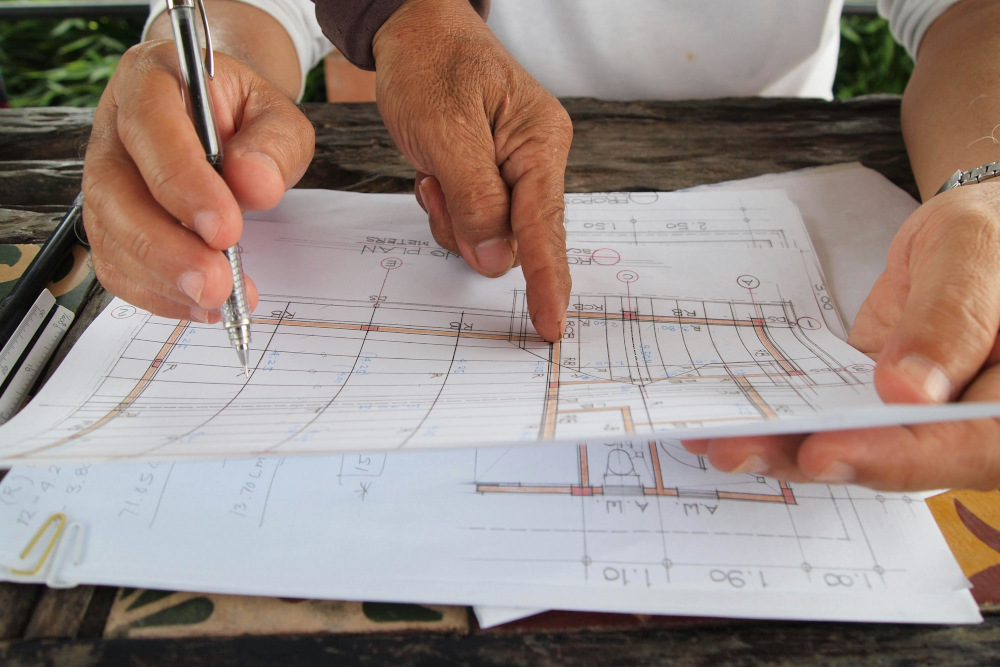
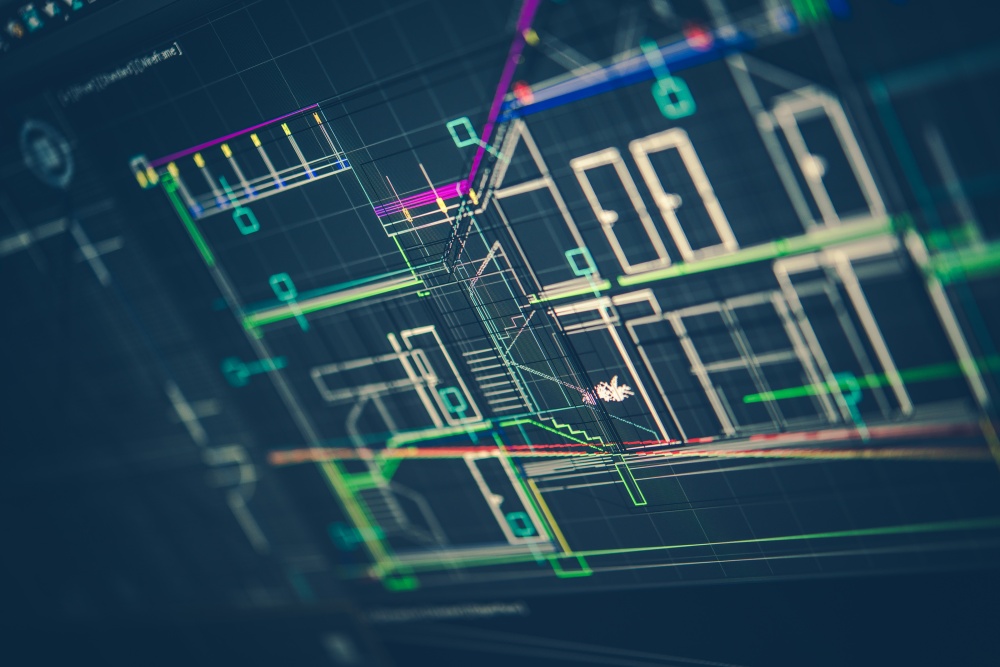

Revit is a BIM software used for creating and modifying detailed models of mechanical, electrical, and plumbing (MEP) systems. It enables engineers to design systems virtually before implementation, significantly reducing the risk of errors and omissions.
The platform also supports seamless collaboration, allowing project teams to access and update designs anytime and anywhere, improving coordination and speeding up project delivery.
In Singapore, where building works must be submitted digitally for regulatory approval through CORENET X, Revit is an essential skill for MEP engineers and other construction professionals. Mastering this tool can help you stay compliant, efficient, and competitive in the local AEC industry.
The Essentials of Revit for MEP
Autodesk has developed a comprehensive suite of tools designed to digitize the planning and design stages of construction projects. Among these, Revit stands out as a powerful platform that enables MEP professionals to model, coordinate, and manage building systems more efficiently.
The Origin and Evolution of Revit
The name Revit is derived from the phrase “Revise Instantly,” reflecting the software’s ability to quickly update and propagate changes across a model. This capability is powered by a parametric change propagation engine, based on context-driven parametrics, a technology that proved more scalable than the variational and history-driven parametric systems used in traditional mechanical CAD software.
Revit’s journey began in 1997 when Charles River Software was founded by Leonid Raiz, a veteran of Parametric Technology Corporation (PTC). Raiz aimed to create a software tool for architects that incorporated mechanical engineering design principles.
In 2002, Autodesk acquired the Revit Technology Corporation, and the name Revit continued to be carried forward under Autodesk’s development.
Key Features and Capabilities
Revit MEP offers a powerful set of features designed to streamline the design, analysis, documentation, and fabrication of building systems. Some of the key capabilities include:
- Integrated Design: Revit simplifies the engineering design workflow by enabling teams to coordinate and communicate design intent within a single, unified model before construction begins.
- Comprehensive Analysis: Users can run early simulations and clash detection during the design phase, helping to identify issues before they become costly problems. Revit also supports conceptual energy analysis to aid engineering-driven calculations.
- Transparent Documentation: With Revit, BIM users can create, model, and document building systems within a complete building information model that includes architectural and structural elements, ensuring consistency and clarity throughout the project.
- Fabrication-Ready Modeling: Revit allows users to create MEP models that are ready for fabrication through automated layout tools. This helps teams prepare detailed models for accurate coordination of fabrication and installation.
What is the Use of Revit for MEP Teams in Singapore?
Revit is valuable for MEP planning in construction projects in Singapore, where there are regulations and standards that govern the development and submission of MEP models. With Revit, teams can ensure that BIM plans meet the requirements of relevant public agencies and private organizations, improving the likelihood of approval. Some common applications and deliverables for MEP teams using Revit in Singapore:
1. Project Initiation & Planning
- Understanding the client’s requirements
- Creating a BIM Execution Plan
- Producing an MEP Concept Report, including schematic layouts, relevant design codes, and initial design assumptions
2. Schematic Design
- Developing a preliminary model based on architectural massing models
- Preparing an MEP Schematic Design Report, including design criteria and preliminary calculations
- Producing schematic drawings
3. Detailed Design
- Developing detailed design drawings and models
- Producing an MEP Detailed Design Report with updated design criteria and calculations
- Performing clash detection and generating resolution reports between MEP, architectural, and structural models
- Preparing detailed cost estimates, BOQs, and tender documents
4. Regulatory Submissions
- Prepare data in the formats required by CORENET X for projects with GFA ≥ 30,000 m² and all new projects that will be submitted in October 2026.
- Review building geometry, system layouts, and performance metrics against regulatory requirements before submission, reducing errors and resubmissions.
- Link design choices to digital simulations, energy analyses, and MEP performance data to demonstrate adherence to standards for public agencies and private stakeholders.

Practical Uses for MEP Engineers
For MEP engineers in Singapore, Revit also delivers real, practical benefits that improve project outcomes and daily workflows, including:
1. Enhanced Collaboration Across Departments
Revit enables smoother collaboration between MEP teams, architects, structural engineers, and contractors by allowing everyone to work on a shared, coordinated model. By working within a single model, teams can:
- Share updates in real time
- Track design changes easily
- Reduce duplication of work
- Maintain a consistent project standard
2. Lower Project Risks and Faster Delivery
Using Revit early in the MEP design process helps identify issues before they become costly problems on-site. Engineers can visualize complex systems, validate designs, and ensure that all components are properly integrated within the building structure, which leads to reduced rework, fewer design errors, and faster project delivery.
3. Accurate Clash Detection for Plumbing and Electrical Systems
Revit’s clash detection capability enables engineers to identify conflicts between systems, such as plumbing pipes intersecting with electrical conduits or ductwork clashing with structural elements, before construction begins. This, in turn, minimizes the likelihood of costly site delays and improves coordination between trades.
4. Data Export for Accounting and Procurement
Revit allows MEP engineers to export model data into other programs like Excel, which is useful for various administrative and project management tasks, cost estimation, quantity take-offs, and budget tracking, among others.
By exporting data seamlessly, engineers can streamline documentation, improve accuracy, and support decision-making throughout the project lifecycle.
Why Learning Revit for MEP is Crucial
As the industry moves toward digitalization and BIM-driven project delivery, proficiency in Revit can impact the efficiency, quality, and competitiveness of both individuals and project teams.
1. Streamlining Early-Stage Electrical Design
Revit can streamline early-stage electrical design by allowing electrical engineers to now define power distribution information without having to physically model every component. This new workflow replaces traditional methods that rely heavily on one-line diagrams, spreadsheets, and PDFs.
Instead of manually tracking power distribution and circuiting through separate documents, engineers can capture and manage this data directly within the BIM model, making the design process more efficient.
2. Addressing a Major Pain Point for Designers
One common challenge in MEP design is that systems are often not planned with demolition and construction phasing in mind. In traditional workflows, when a section of the model is demolished or phased out, the connected network may lose its associations, resulting in errors, inconsistencies, and costly rework.
Revit helps solve this issue by enabling early coordination and collaboration across disciplines. When MEP teams are involved early and given access to the BIM model, they can design systems that remain intact even when the model undergoes changes during phasing, ensuring that system connections stay stable throughout the project lifecycle. This makes phased construction easier to manage and reduces the risk of disruptions later on.
3. Gaining a Competitive Edge for Internships and Careers
Learning Revit early gives students and young professionals in the MEP industry a significant advantage in the job market. Many firms in Singapore now expect BIM competency as part of their recruitment process. By mastering Revit, you can:
- Increase your chances of receiving internship offers
- Build stronger practical experience
- Gain exposure to real-world projects
- Expand your professional network
4. Maximizing Design Possibilities
Revit allows architects and MEP engineers to solve complex design challenges more effectively through intelligent components and smart modeling features. These components can adapt to changes in design, ensuring that updates are automatically reflected throughout the model.
Required Skills and Background for Revit
To fully benefit from Revit as an MEP professional, it is important to bridge the gap between industry MEP requirements and the skill level of Revit users. Some of the skills required include:
- Modelling
- Navigation
- 2D CAD proficiency
- Practical construction knowledge
- Familiarity with Revit families
- Understanding building codes and standards
- Differentiating between model and annotation elements
- MEP system design
- Teamwork and collaboration
Career Opportunities in MEP with Revit
Revit opens up a wide range of career pathways within the AEC industry. As BIM adoption continues to grow in Singapore, MEP professionals who are skilled in Revit are increasingly valued for their ability to improve project efficiency, coordination, and delivery. Some of the key roles include:
- MEP Engineers: MEP engineers design and manage either the mechanical, electrical, or plumbing systems within buildings. With Revit, engineers can create accurate 3D models, perform system analysis, and coordinate with other disciplines. This helps ensure that systems are efficient, compliant with local standards, and integrated smoothly into the overall building design.
- MEP Fabricators: MEP fabricators focus on translating design models into fabrication-ready components. Revit enables fabricators to create detailed fabrication models and shop drawings that are essential for prefabrication and off-site construction.
- MEP Detailers: MEP detailers are responsible for creating detailed construction drawings and layouts for MEP systems. With Revit, detailers can generate precise drawings, coordinate with architectural and structural models, and ensure that all systems fit within the building’s design constraints.
- MEP Consultants: MEP consultants with Revit knowledge can ensure compliance and support project delivery by aligning projects with regulatory requirements and submission standards, such as those set by CORENET X.
The Verdict on Revit MEP
Revit has transformed how MEP engineers work, enabling intelligent modeling, enhanced collaboration, and accurate documentation.
And whether you’re pursuing a career in engineering or aiming to advance in BIM training, mastering Revit MEP is a strategic step toward long-term success.
To learn how to leverage Revit software for your construction projects, consider partnering with BIMAGE Consulting. We offer comprehensive BIM training programs, including:
- Quick Adoption Revit IFC-SG Industry Training: This BCA-endorsed program provides practical insights into CORENET X, OpenBIM, and IFC standards. You will learn how to embed IFC-SG information into BIM models using shared parameters and the BIM Information Template (BIT), ensuring compliance with CORENET X Collaboration Platform submissions.
- Basic BIM Understanding on Revit MEP: Designed for professionals in MEP engineering, this course covers the fundamentals of BIM, Revit MEP modeling, and integration of multiple MEP systems into a unified BIM model, equipping teams to streamline design and coordination.
Enroll in our BIM training programs today and harness the full potential of Autodesk Revit for your projects.
For more BIM insights, check out our guide on the difference between VDC and BIM and how BIM improves sustainability in construction.
