
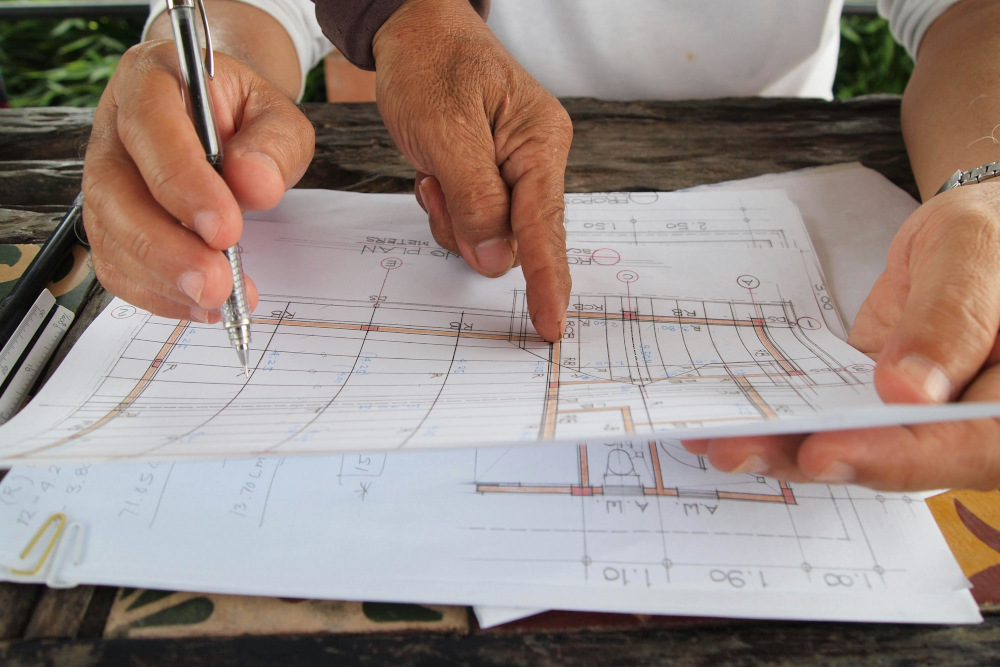
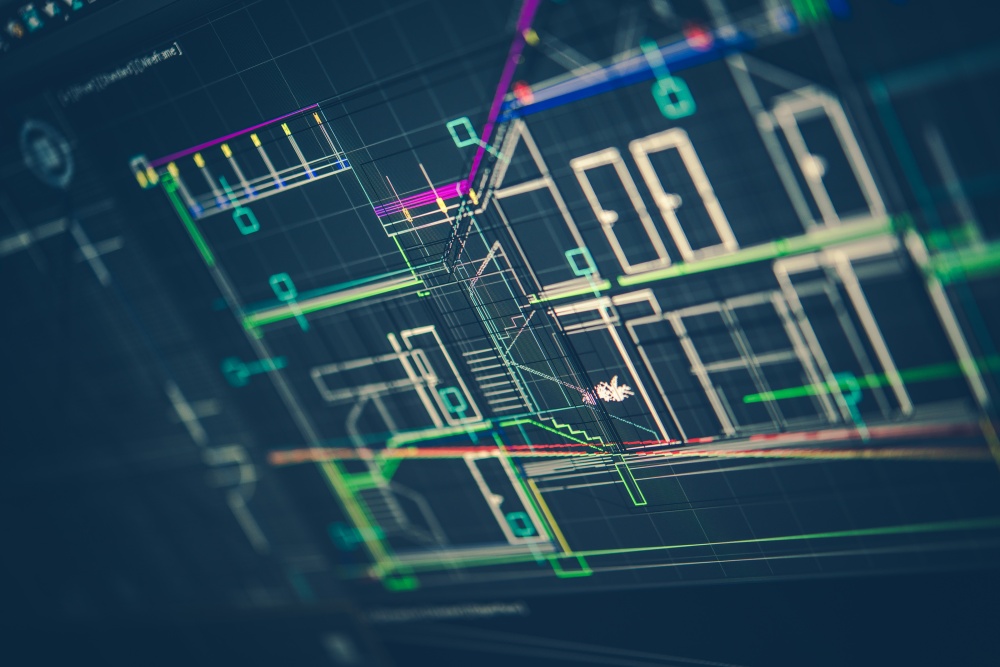

What makes AutoCAD and Revit different is their features and functionality. While AutoCAD is a widely used drafting tool with enough capabilities for creating detailed 2D and 3D drawings across various industries, Revit is a Building Information Modeling (BIM) software that supports all phases of a building project.
AutoCAD’s Role and Features
AutoCAD is a type of CAD (Computer-Aided Design and Drafting) software, which is a tool that allows designers, architects, and engineers to create, draft, and document technical designs digitally. This software is used to explore design concepts, produce photorealistic visualizations, and simulate real-world performance.
Key Features of AutoCAD Software
- 2D Drafting: AutoCAD’s 2D drafting tools allow designers to create precise architectural plans, technical schematics, and detailed designs.
- 3D Modeling: Designers can create, modify, and visualize projects in 3D to explore multiple perspectives and refine concepts in real time.
- Parametric Design: AutoCAD supports easy adjustments of dimensions, proportions, and variables, with changes cascading automatically throughout the model to maintain consistency and save time during revisions.
- Assembly Design: Multiple components can be combined into cohesive assemblies, enabling designers to interact with individual parts and optimize complex systems for performance, efficiency, and manufacturability.
Revit’s Function and Capabilities
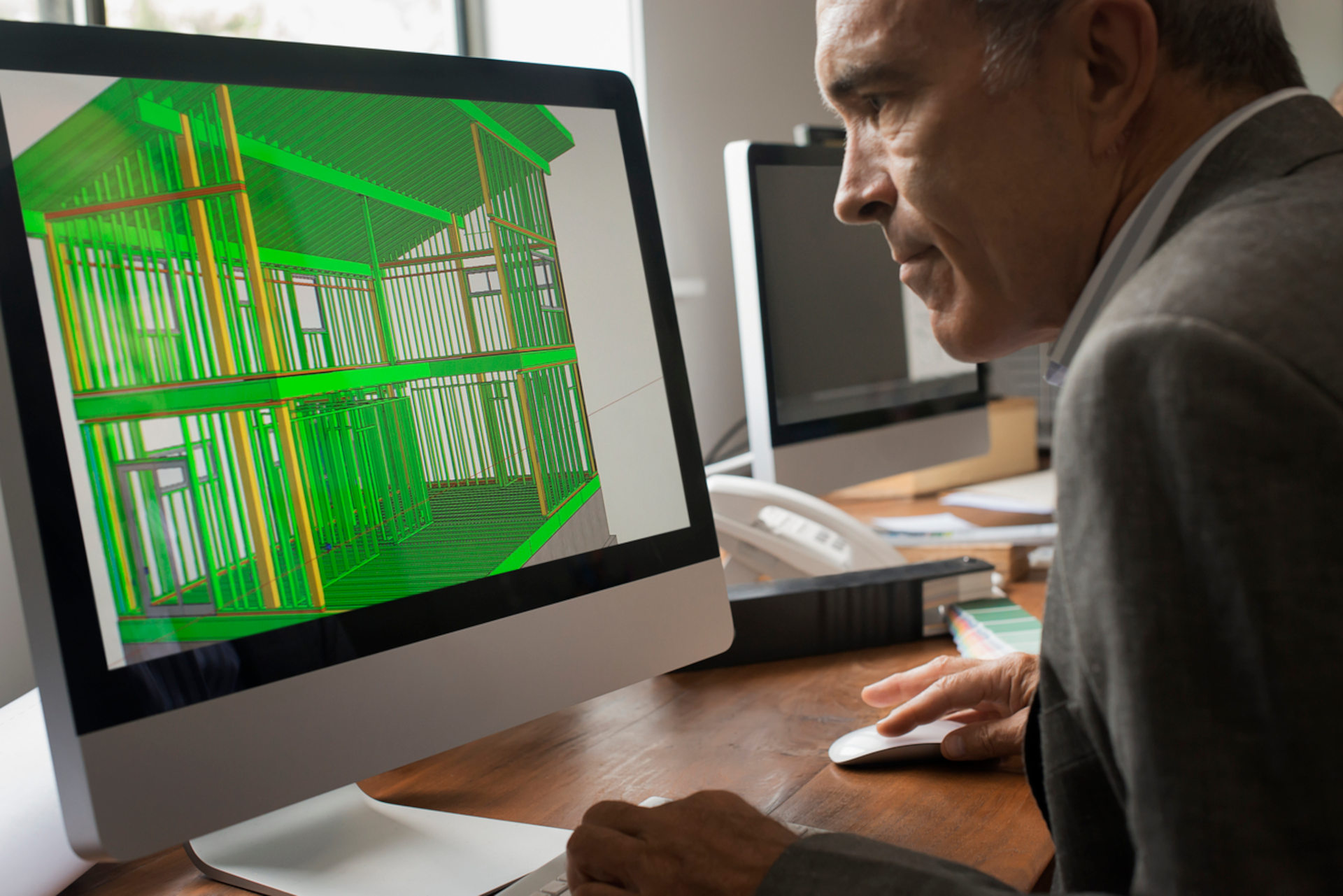
Autodesk Revit is a BIM software that allows construction teams to create intelligent, data-rich 3D models with precision and parametric accuracy. It allows users to design and model shapes, structures, and building systems while streamlining workflows across all project phases.
Key Features of Revit Software
- Streamlined Project Management: Revit automatically updates changes across plans, elevations, sections, schedules, sheets, and 3D visualizations, reducing errors, improving efficiency, and keeping project teams fully aligned.
- Enhanced Collaboration Across Disciplines: Revit supports multi-disciplinary teamwork through Cloud worksharing and BIM Collaborate Pro, where all stakeholders can work from the most current model, minimizing miscommunication.
- Integrated Design Tools: Tools for sketching, scheduling, annotating, sharing, and visualizing designs are available on Revit. It also integrates seamlessly with other AEC applications, such as Rhino, enabling smooth data exchange and a consistent project workflow.
- Data-Driven Decision Making: Revit includes integrated analysis tools that let teams simulate real-world performance, conduct sustainability checks, and optimize building systems for efficiency and functionality.
Revit vs AutoCAD: Core Distinctions in Workflows and Functionality
While both are Autodesk tools widely used in the AEC industry, they serve distinct purposes and workflows.
| Aspect | AutoCAD | Revit |
|---|---|---|
| Core Technology | A CAD program mainly used for 2D drafting and some 3D modelling to create precise visual representations of building components and technical designs. | A BIM platform that creates intelligent 3D models containing detailed project data such as materials, systems, and building operations. |
| Primary Purpose | Focuses on graphical design and technical drafting. | Integrates design, construction, and facility management in a coordinated digital model. |
| Typical Uses & Industries | Widely used in architecture, engineering, and manufacturing for producing floor plans, elevations, site layouts, and technical schematics. | Primarily used in the AEC industry to develop coordinated 3D building models that support project planning, analysis, and lifecycle management. |
| Collaboration & Workflow | Works with separate drawing files for different views or components, which may require manual coordination between team members. | Uses a centralized project model where multiple stakeholders can work simultaneously, with real-time updates across all drawings and schedules. |
| Data Management | Stores graphical information in individual drawing files, usually in the DWG format. | Consolidates all project information, including geometry, materials, and systems, within a single project file. |
| Learning Curve | Generally easier to learn for users familiar with traditional drafting workflows. | Typically has a steeper learning curve due to BIM concepts, parametric modelling, and collaborative processes. |
| Hardware Requirements | Can run efficiently on moderately powerful systems, especially for 2D drafting. | Requires higher system specifications due to complex 3D modelling and real-time coordination. |
| File Types | Primarily uses DWG and DXF formats. | Common formats include RVT, RFA, and IFC for models and families. In Singapore, it’s required to use the openBIM standards, specifically, the IFC-SG for the CORENET X submission. |
| Interoperability | AutoCAD drawings can be imported or linked into other design platforms. | Can import or link AutoCAD files, enabling teams to combine precise drafting with BIM-based modelling workflows. |
Revit vs AutoCAD: Pros and Cons of Both Software
To determine whether to use AutoCAD or Revit for your project, consider their benefits and drawbacks:
Revit: Advantages & Drawbacks
Advantages
- High Accuracy: Revit’s parametric modeling ensures that changes are automatically updated across all views, schedules, and sheets, reducing errors.
- Enhanced Collaboration: Its BIM platform allows multiple disciplines to work on a single model simultaneously, promoting seamless coordination.
- Automatic Updates: Any modification in one part of the model automatically reflects across the project, maintaining consistency.
- Data-Rich Models: Revit integrates detailed information about materials, systems, and performance, supporting analysis, simulations, and facilities management.
Drawbacks
- Steep Learning Curve: Understanding BIM workflows and parametric modeling requires more time and structured training.
- Complex Interface: New users may find the interface overwhelming due to its many tools and features.
- Higher Hardware Requirements: Large, data-rich models demand powerful computers to operate efficiently.
AutoCAD: Advantages & Drawbacks
Advantages
- Simplicity and Flexibility: AutoCAD’s intuitive interface makes it easier for beginners and traditional drafters to start producing accurate designs quickly.
- Extensive Library of Blocks: Designers can leverage pre-built components to accelerate drafting and standardize designs.
- Versatile Applications: Suitable for 2D drafting, technical drawings, site layouts, and even 3D modeling in multiple industries beyond AEC.
- Lower System Requirements: AutoCAD generally runs smoothly on moderately powerful computers.
Drawbacks
- Limited Data Management: Unlike Revit, AutoCAD files do not embed extensive building information, making them less effective for BIM, multi-disciplinary coordination, and integrated project analysis.
- Collaboration Challenges: Working across multiple DWG files can make version control and coordination more cumbersome on complex projects.
Practical Applications for AEC Professionals
Architects, engineers, and construction professionals often choose AutoCAD or Revit based on the specific needs of their projects.
Revit is the preferred choice for large-scale and complex projects, such as commercial developments. With its BIM capabilities, teams can integrate architectural, structural, and MEP systems into a single model, reducing conflicts and improving project efficiency.
For smaller projects, industries outside of traditional architecture, and tasks such as site plan drafting, detailed schematics, or technical drawings, AutoCAD is typically preferred. Its simplicity, flexibility, and precise drafting tools make it suitable for projects that require quick turnaround and individual design work.
Making the Right Choice for Your Projects
Determining whether to use Revit or AutoCAD depends on several key factors:
- Project Size and Complexity: Large, intricate projects with multiple disciplines benefit from Revit’s BIM approach, while smaller, detail-oriented tasks are well-suited for AutoCAD’s 2D and 3D drafting capabilities.
- Collaboration Needs: Revit’s cloud-based worksharing enables real-time collaboration among teams, whereas AutoCAD may require manual coordination across multiple drawing files.
- Budget and Training: AutoCAD has a lower learning curve and system requirements, making it more accessible for smaller firms or short-term projects. On the other hand, Revit requires investment in training and hardware, but it offers long-term benefits for integrated project workflows.
Determining the Optimal Tool
Both AutoCAD and Revit offer valuable capabilities for professionals in the AEC industry, but their use depends on project requirements. While AutoCAD outputs are not mandatory for regulatory submissions under Singapore’s CORENET X framework, they remain useful for producing 2D drawing plans and shop drawings.
Starting October 2026, most new projects will require submissions in IFC-SG file formats. This will necessitate the use of BIM-enabled tools such as Autodesk Revit or other software that supports IFC-SG standards, including Archicad, OpenBuildings Designer, and Tekla.
Maximize BIM Knowledge Through BIMAGE Consulting Training Courses
Construction teams can gain a competitive edge by mastering BIM tools for efficient project delivery. BIM training helps professionals leverage the strengths of both CAD and BIM platforms, aligning with the BCA’s Integrated Digital Delivery (IDD) framework.
At BIMAGE Consulting, we provide BIM training courses designed to help teams fully utilize Autodesk Cloud capabilities:
- Basic BIM Understanding on Revit Structure: Covers comprehensive instruction in the latest industry techniques and best practices for structural modeling. Participants gain hands-on experience across critical skills, from basic modeling concepts to advanced workflows, ensuring teams are fully prepared for real-world project demands.
- Quick Adoption Revit IFC-SG Industry Training (GovTech BCA Endorsed): Focuses on hands-on model mapping in Revit, preparing professionals to meet CORENET X Code of Practice requirements for IFC-SG submissions and collaboration platform integration.
Enroll in our BIM training courses today and learn how to leverage Autodesk Revit to streamline your construction projects, improve coordination, and enhance project efficiency.
For more insights into the difference between AutoCAD and Revit, check out our guide on the difference between BIM and CAD.
